Home › Albums › Magazine Album Design › Wedding Photo Book Magazine
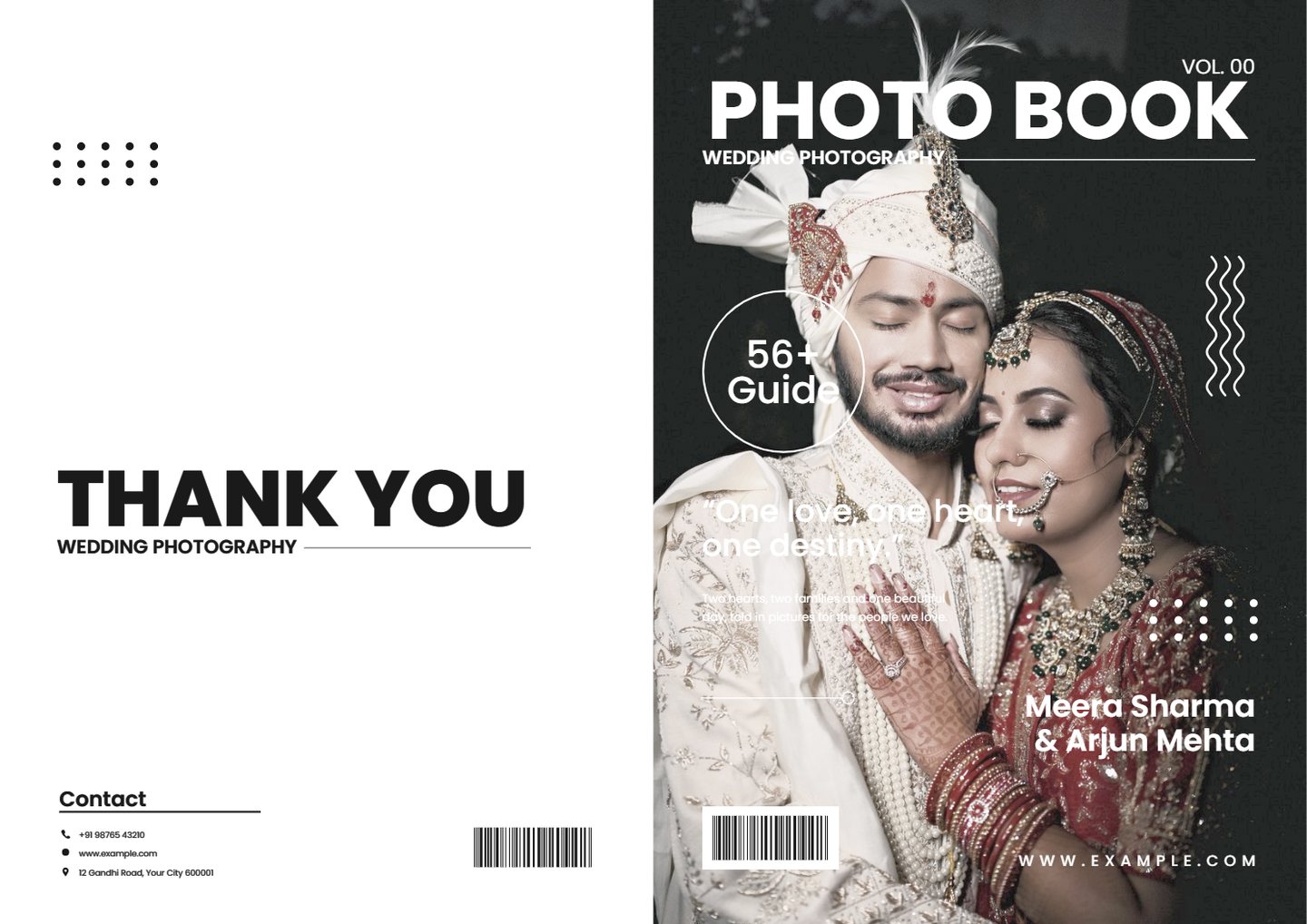
Wedding magazine template: a 16-page photo book magazine
The Wedding Photo Book Magazine is a wedding magazine template with 16 A4 pages: a full-photo front cover with the magazine title and your names, a contents page, welcome and about-us pages, a love story, a new-couple page and an engagement and gallery spread, finished with a thank-you back cover. Bold headings on clean white pages give it the look of a real wedding magazine. You place your photos and words in the browser and download a layered PSD of each spread, PNG pages and a PDF for the printer.
Design your magazinePrice: ₹299 (US$5.99) one-time for this magazine design, or included in any plan · See plans
What you get
- 16 A4 pages (8 spreads): front and back cover, contents, welcome, about us, love story, new couple, engagement season and wedding photo gallery
- Each photo frame keeps the template’s photo look, so your own photos match the magazine style
- Bold Poppins headings, quotes and justified story text you can rewrite
- Layered 300 DPI PSD per spread with live text, plus PNG pages and a print PDF in reading order
- Your photos stay on your device; nothing is uploaded
A wedding magazine design that reads like a real magazine
Running heads and page numbers, a contents page, big headlines and pull quotes: the wedding magazine design follows real magazine layouts, so the printed copy feels like an issue made about the two of you rather than a photo album.
Wedding magazine PSD for studios
Photographers can open the wedding magazine PSD in Photoshop: text layers name their fonts (all free to use), each photo sits in its own clipped group, and the design layers are separate, so a client’s changes take minutes.
शादी मैगज़ीन in Hindi
Turn it into a शादी मैगज़ीन by typing the headings in Hindi, for example "हमारी कहानी" (our story) or "धन्यवाद" (thank you), and keep the names in English or Hindi.
How to make it
- Open the Wedding Photo Book Magazine in the editor.
- Drop your photos into the frames; move and zoom each one.
- Type your names, date and titles, in English or Hindi.
- Download the print PDF, PNG pages and layered PSD files.
Questions
How many pages does the wedding magazine have?
16 A4 pages: the front and back cover plus 14 inside pages, edited as 8 facing spreads.
Can I change the headings and story text?
Yes. Every heading, quote and paragraph is editable, and the paragraphs keep their justified layout as you type.
Which file goes to the printer?
The PDF: it has every page in reading order at 300 DPI. Keep the PSDs in case you want to edit in Photoshop later.
Is this a wedding magazine photo book or an album?
Both words are used for it. It is a magazine-style photo book; print it as a stapled magazine or a softcover photo book.
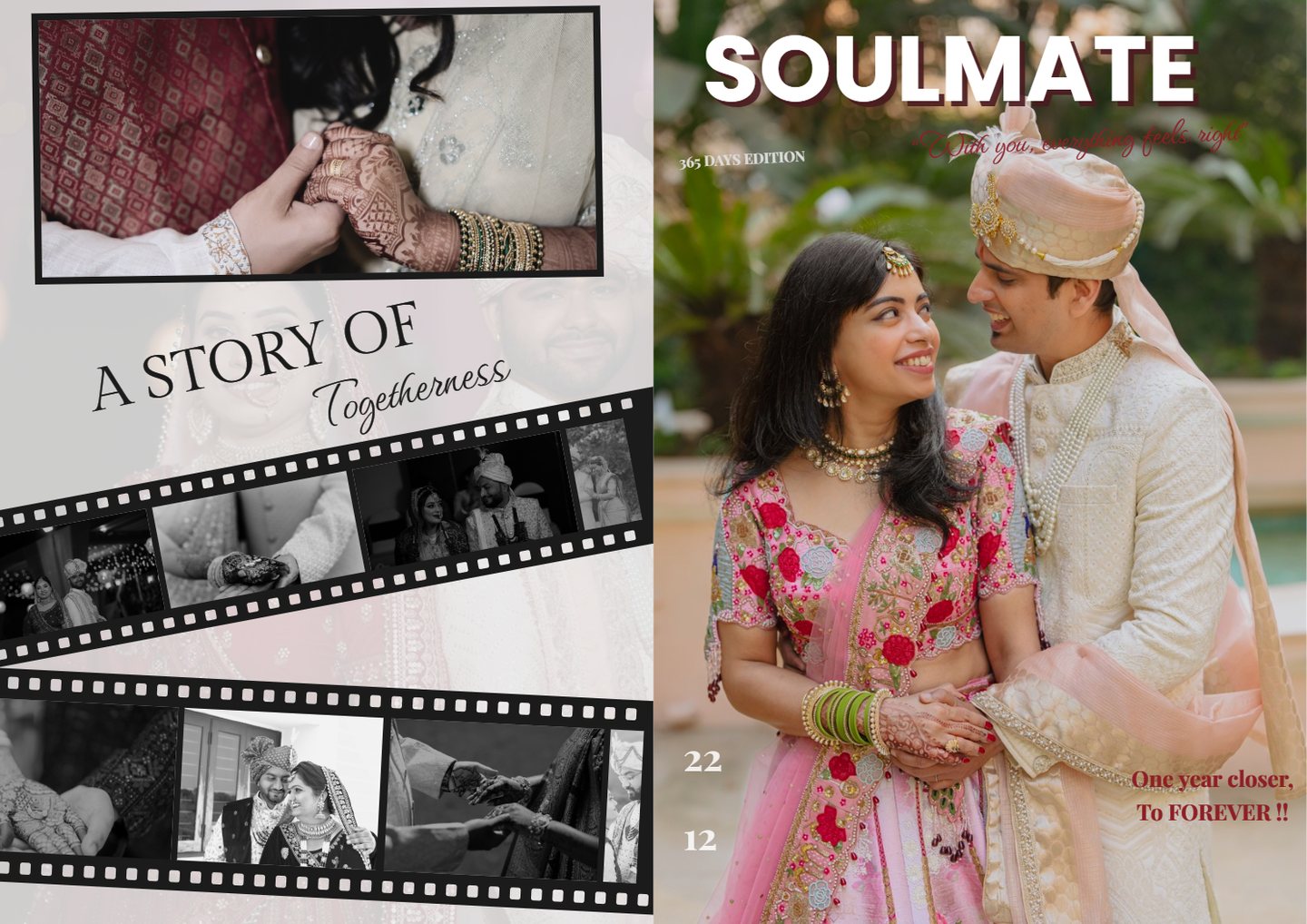 Soulmate Anniversary Magazine12 A4 pages · layered PSD, PNG and PDF