Home › Albums › Album Design Software
Online album design software
InviteFlix is album design software that runs in the browser with nothing to install. It gives you designed 12×36 spreads, drag-and-drop photo frames, person cut-outs with automatic background removal, photo editing (looks, light, colour, background blur, smooth skin, blemish healing) and export to layered PSD and 300 DPI JPG.
Design your albumSee the designs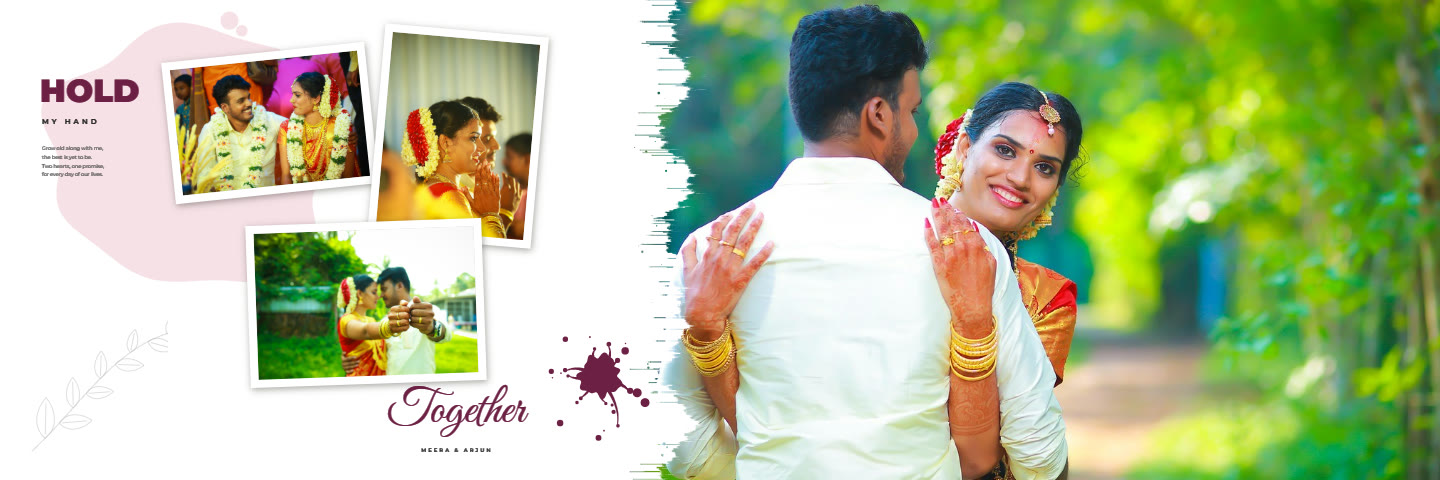
What it does well
Fast layout of complete albums from designed spreads, print-resolution checks on every photo frame, edits applied at full resolution for print, and Photoshop-ready PSDs for anything you want to finish by hand.
What it does not do
It is not a free-form layout tool: you work from the album designs and their spreads rather than drawing your own frames from scratch.
Album designs for this
Wedding Album14 spreads · 12×36 in · layered PSD and 300 DPI JPG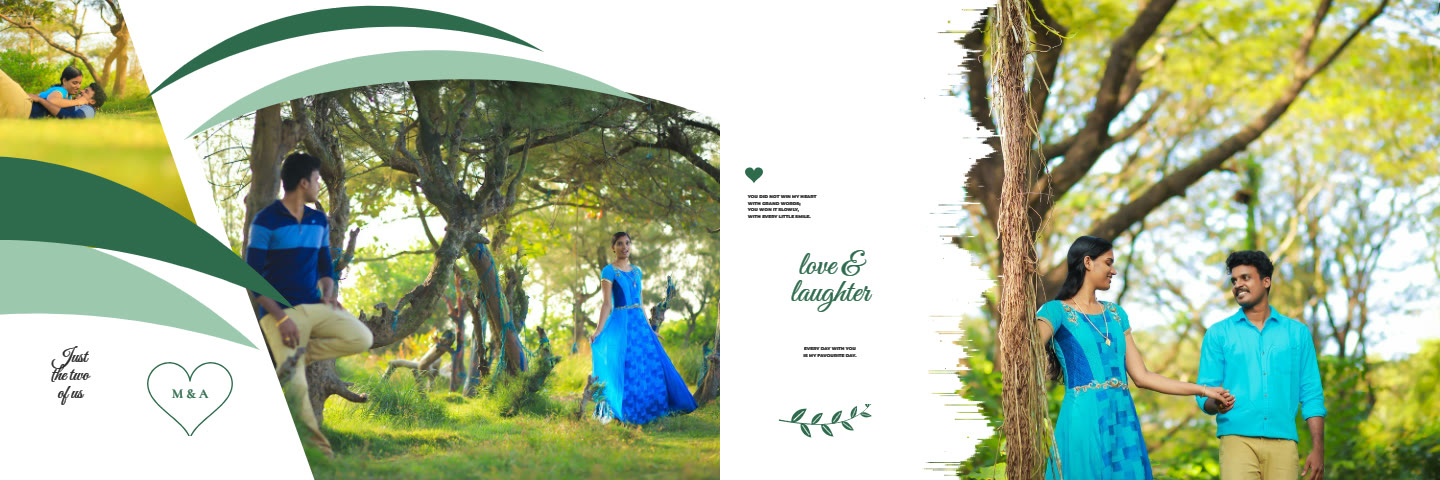 Pre-Wedding Album20 spreads · 12×36 in · layered PSD and 300 DPI JPG
 Birthday Album24 spreads · 12×36 in · layered PSD and 300 DPI JPG
How it works
- Open an album design and drop your photos into the frames.
- Move and zoom each photo; edit looks, skin and background if you like.
- Type the names and words, and pick a colour scheme.
- Download layered PSD files and 300 DPI JPGs for your print lab.
Questions
Does it work on Windows and Mac?
Yes, in Chrome or Edge. Saving spreads into a folder you pick needs Chrome or Edge.
Does it remove photo backgrounds?
Yes. Person cut-out frames remove the background automatically in your browser, and you can fix the outline with a brush.