Home › Albums › Engagement Album Design
Engagement album design, 12×36
For an engagement or couple album, use InviteFlix's Pre-Wedding Album (20 spreads with hexagon, diamond and triangle photo cuts) or the Wedding Album (14 modern collage spreads). Every heading and line of text can be changed, so "Pre-wedding" or "Wedding" becomes "Engagement" or your own words.
Design your albumSee the designs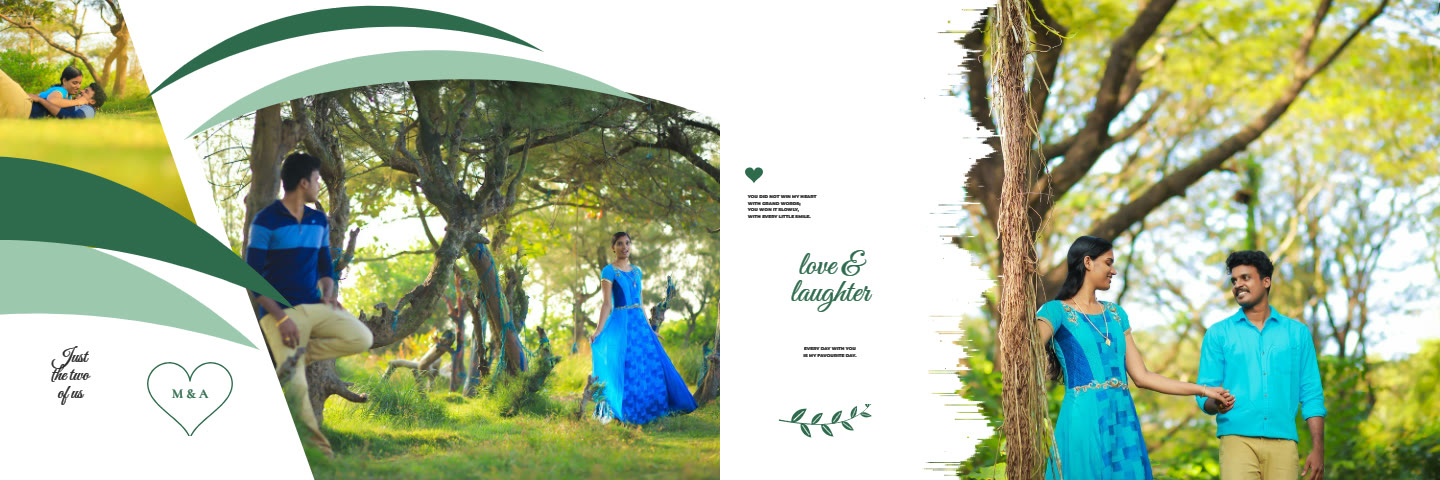
Ring ceremony photos
Large single-photo spreads suit the ring exchange and portraits; collage spreads with several frames suit the family and decoration photos.
Colour schemes
Pick one colour scheme for the whole album to match the engagement outfits, or keep the designer mix where each spread has its own colours.
Album designs for this
Pre-Wedding Album20 spreads · 12×36 in · layered PSD and 300 DPI JPG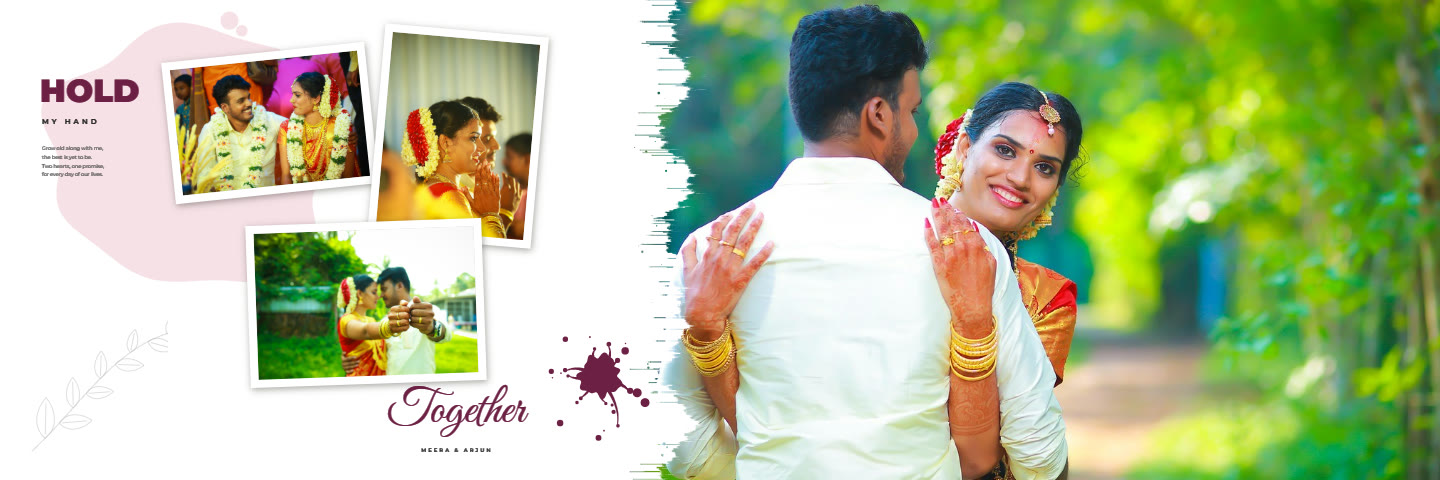 Wedding Album14 spreads · 12×36 in · layered PSD and 300 DPI JPG
How it works
- Open an album design and drop your photos into the frames.
- Move and zoom each photo; edit looks, skin and background if you like.
- Type the names and words, and pick a colour scheme.
- Download layered PSD files and 300 DPI JPGs for your print lab.
Questions
Is there an engagement-only design?
Not separately; the pre-wedding and wedding designs work for engagements because every text is editable.
How many photos per spread?
From one large photo up to about eight frames, depending on the spread design.