Home › Calendars › Personalised Photo Calendar
Personalised photo calendar with your photos and special dates
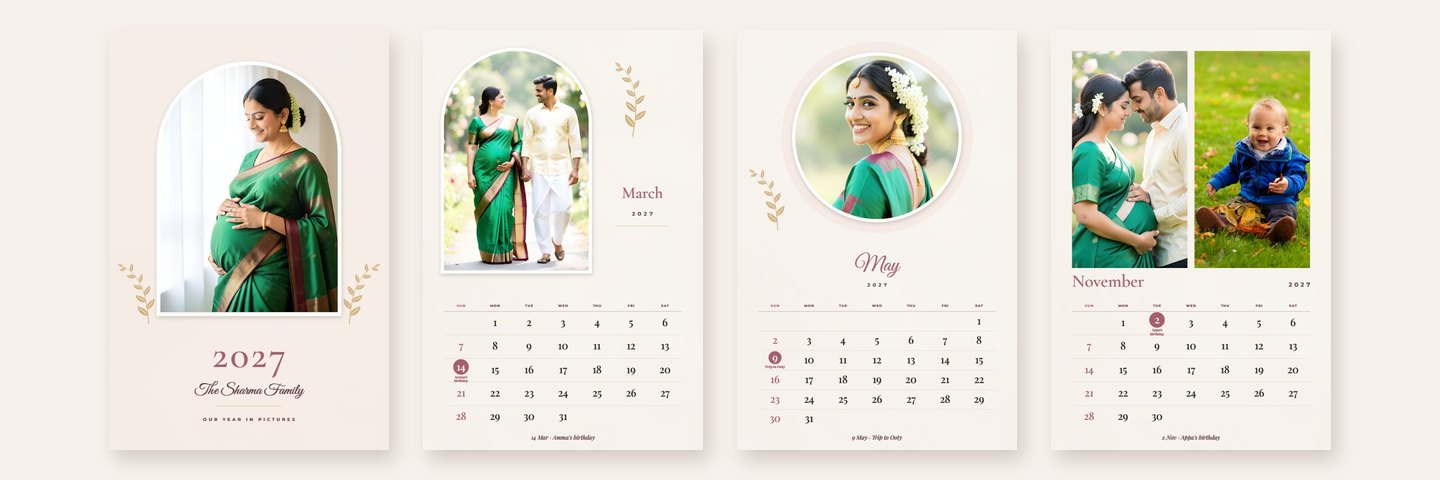
The InviteFlix Photo Calendar is a 12-month wall calendar you make with your own photos: a cover and one 12×18 inch page per month. Start it in any month and year, choose whether weeks start on Sunday or Monday, and add your own special dates, such as birthdays, anniversaries or a family trip. Each one is marked on its day with your words and listed under the month. Download the pages as 300 DPI print JPGs, one PDF of the whole calendar, or layered PSD files for Photoshop, and take them to any print shop.
Make your personalised photo calendarPrice: ₹149 (US$2.99) one-time for this design, or included in any plan · See plans
What you get
- A cover and 12 month pages, 12×18 inches each, at 300 DPI (3600 × 5400 px)
- Starts in any month: a calendar from January 2027, or from April 2027 to March 2028
- Your own special dates (birthdays, anniversaries, anything) marked on their day with your words, every year they fall in
- 8 page designs: one big photo, framed print, arch, two, three or four photos, round photo and boxed days
- Week starts on Sunday or Monday; 12 colour schemes on a warm white page
- Downloads: print JPGs, one PDF of the whole calendar, a ZIP, or layered PSD files
- Photo editing built in: looks, light and colour, background blur and background removal
Which photos to use for each month
Each month page can use a different design: one big photo, a framed print, an arch portrait, two, three or four photos, a round photo, or boxed days. Use Change layout to pick the design per month. A wide holiday or family picture fills One big photo well, a single portrait suits the Arch, and festival or birthday months can take three or four photos. Try to match each photo to its month, such as the Diwali picture in October or November and a birthday child's photo on their own month.
A personalised calendar as a New Year gift
A family photo calendar is a common New Year gift for grandparents and relatives, because every birthday and anniversary is already marked on its day. Put the family name on the cover, for example The Sharma Family, and add a short tagline. If you make it in November or December, start it in January; for an office or school year, start in April or June instead. Leave a few days for the print shop before you plan to give it.
Printing a 12x18 wall calendar
Each page is 12 by 18 inches at 300 DPI, 3600 by 5400 pixels, with a cover and twelve month pages. The easiest file for a print shop is the single PDF of the whole calendar, one page per month. Shops usually print wall calendars on thick matte or glossy card and bind them at the top with a wire binding and a hanger. Ask the shop where the holes will go before you print, and keep important text away from that edge.
How to make it
- Open the Photo Calendar in the calendar maker.
- Choose the start month and drop your photos into each month.
- Add your special dates (birthdays, anniversaries) and the name for the cover.
- Download 300 DPI JPGs, a PDF or layered PSDs and print them at any print shop.
Questions
Can the calendar start in a month other than January?
Yes. Pick any start month and year; the twelve pages follow from there, and the cover shows both years (for example 2027 – 2028).
How do I mark birthdays and anniversaries?
Add each one under Special dates with a date and your words, such as “Amma’s birthday”. It is marked on its day and listed under that month. Only the day and month count, so it shows in every year the calendar covers.
What size is it and where can I print it?
Each page is 12×18 inches at 300 DPI. Any print shop can print the JPGs or the PDF; ask for 12×18 or scale to A3.
Does InviteFlix print and ship the calendar?
No. You download print-ready files and print them wherever you like.
Can each month have a different layout?
Yes. Choose any of the 8 page designs for each month with Change layout, so one month can have a single big photo and the next three or four photos.
Are my calendar photos uploaded?
No. Your photos stay on your device; the preview and the print files are made in your browser. Each photo frame also warns you if a photo is too small for a sharp 12x18 print.
Other calendars
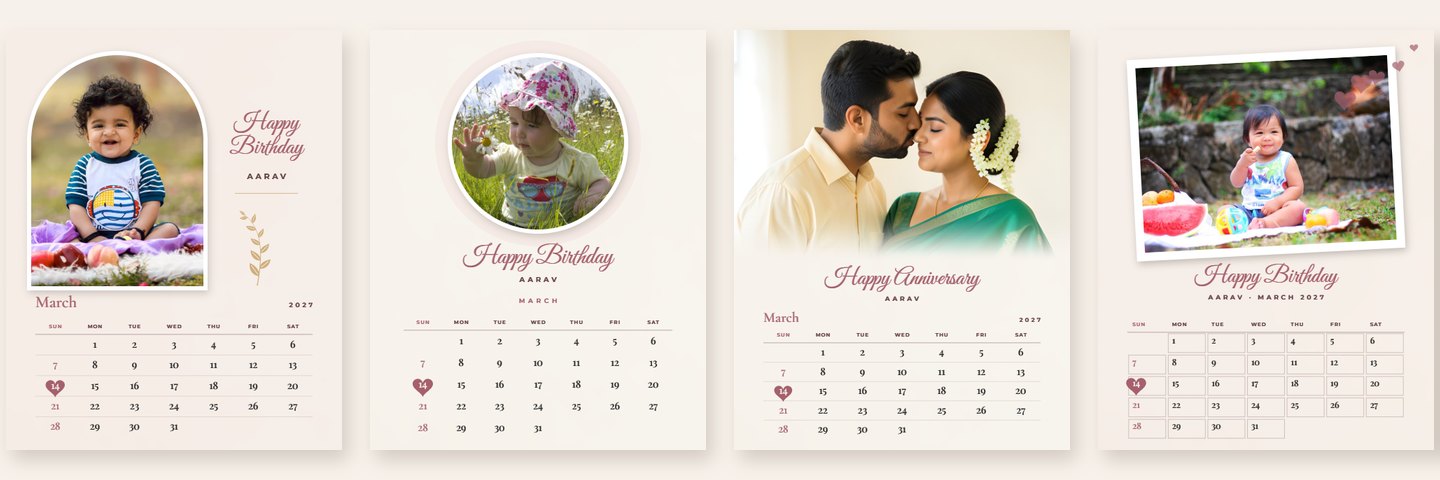 Birthday Calendar Photo Frame1 page · 8×10 in (4:5) · JPG, PDF and PSD
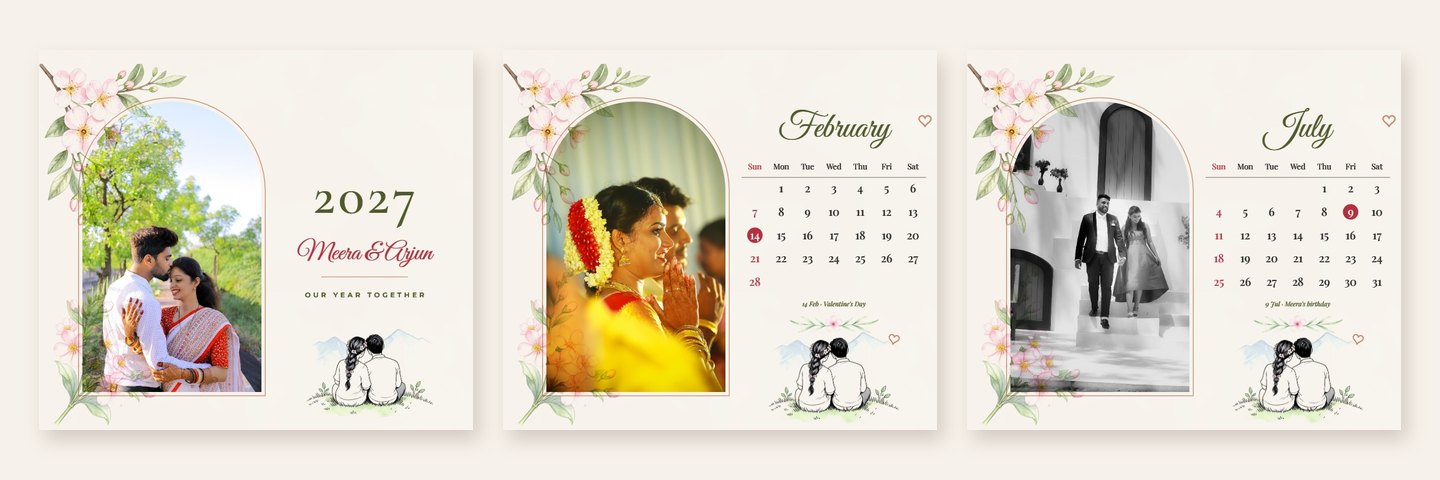 Personalised Desk Calendar13 pages · 8×7 in · PSD, JPG and PDF