Home › Calendars › Personalised Desk Calendar
Personalised desk calendar 2027 with your photos
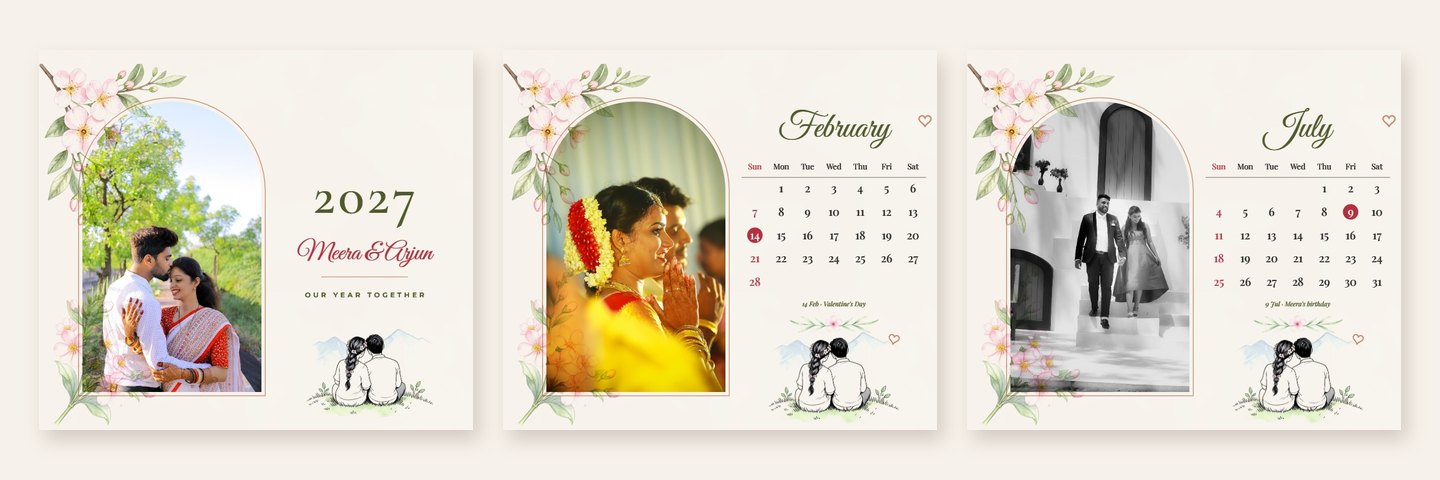
The InviteFlix Desk Calendar is a custom desk calendar for 12 months that you make with your own photos: a cover and one 8×7 inch landscape page per month. Each page has an arched photo with a thin gold line, soft watercolour blossoms, the month name in script, a clean grid with red Sundays and a small line-art couple. Start it in any month, choose Sunday or Monday weeks and add your own special dates such as birthdays and anniversaries: each is circled on its day and listed under the month. Download 300 DPI JPGs, a PDF or layered PSDs and have it printed and spiral-bound at any print shop.
Make your personalised desk calendarPrice: ₹99 (US$1.99) one-time for this design, or included in any plan · See plans
What you get
- A cover and 12 month pages, 8×7 inches landscape, at 300 DPI (2400 × 2100 px)
- Watercolour blossoms, an arched photo with a gold line and a line-art couple on every page
- Starts in any month: January to December 2027, or a calendar from any month onward
- Your special dates (birthdays, anniversaries, anything) circled on their day and listed under the month
- Photo on the left or the right; 8 colour schemes, from olive and red to rose and sage
- The top half-inch is kept clear for the spiral binding
- Downloads: print JPGs, one PDF of the whole calendar, a ZIP, or layered PSD files
Choosing photos for a desk calendar
Every month page has one arched photo, so you need twelve photos plus one for the cover. The arch is taller than it is wide, which means portrait photos of one or two people fit best; keep the faces near the middle and leave a little space above the head for the curve. Landscape photos still work, since you can move and zoom each one inside the frame. Each page also comes in two designs, Photo left and Photo right, so you can alternate them through the year.
A desk calendar for a couple or for parents
The small line-art couple and the cover name, such as Meera & Arjun, make this calendar a natural gift between partners or for parents on their anniversary. Mark the dates that matter to the two of them, from birthdays and the wedding anniversary to the day they met. The cover name and tagline are editable, so it can just as well carry a family name. Colour schemes include Olive & red, Rose & plum and Sage & terracotta.
Printing and binding an 8x7 desk calendar
Each page is 8 by 7 inches in landscape at 300 DPI, 2400 by 2100 pixels. Send the print shop the PDF of the whole calendar, or the separate JPGs if they prefer. Desk calendars are usually printed on stiff card and spiral-bound to a folding table-top stand, which is why the top half-inch of each page is kept clear. Thick matte card shows the watercolour blossoms well, but ask your shop which card and stand they offer.
How to make it
- Open the Desk Calendar in the calendar maker.
- Choose the start month and drop a photo into each month.
- Add your special dates and the name for the cover.
- Download 300 DPI JPGs or a PDF and have it printed and spiral-bound.
Questions
What size is the desk calendar?
Each page is 8×7 inches (landscape) at 300 DPI. A print shop can print it on card and bind it on a table-top stand with a spiral; the top half-inch is left clear for the holes.
Can it start in a month other than January?
Yes. Pick any start month and year; the twelve pages follow from there and the cover shows the year or both years.
How are special dates shown?
Each date you add is circled in the grid on its day, and its words are listed in a line under that month. Only the day and month count, so a birthday shows in every year the calendar covers.
Does InviteFlix print and ship the calendar?
No. You download print-ready files and print them wherever you like.
Can I put the photo on the left on some months and on the right on others?
Yes. Each month can use the Photo left or Photo right design, so you can alternate through the year.
Can I edit the desk calendar in Photoshop?
Yes. Download layered PSD files with editable text and a fonts pack. For printing, the JPGs or the PDF are ready as they are.
Other calendars
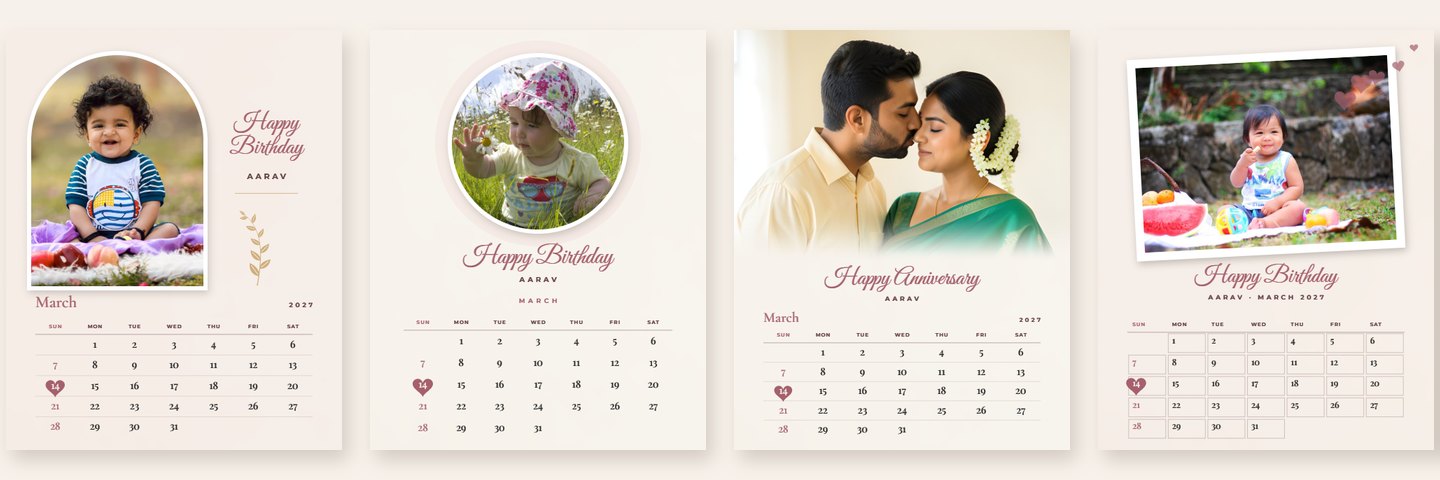 Birthday Calendar Photo Frame1 page · 8×10 in (4:5) · JPG, PDF and PSD
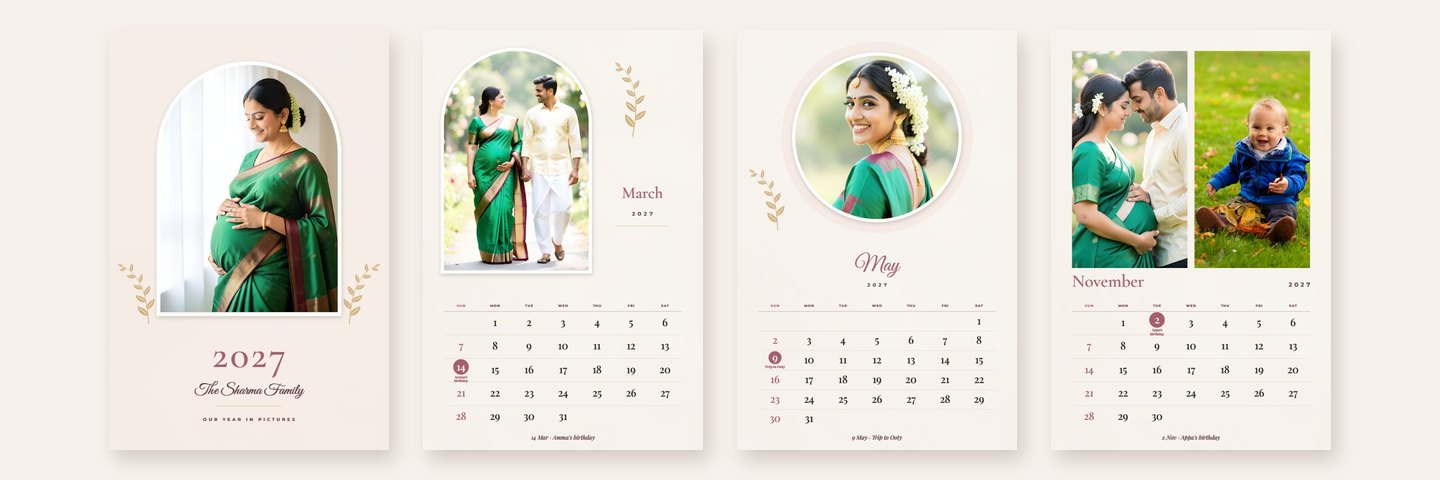 Personalised Photo Calendar13 pages · 12×18 in · PSD, JPG and PDF