Home › Calendars
Photo calendar maker online – personalised wall and desk calendars
Make a personalised photo calendar in your browser: pick a 12-month wall calendar, a table-top desk calendar or a one-page birthday calendar photo frame, drop in your photos, choose the starting month and mark your own birthdays and anniversaries on their days. Download 300 DPI print pages and layered PSD files for any print shop.
Make a photo calendar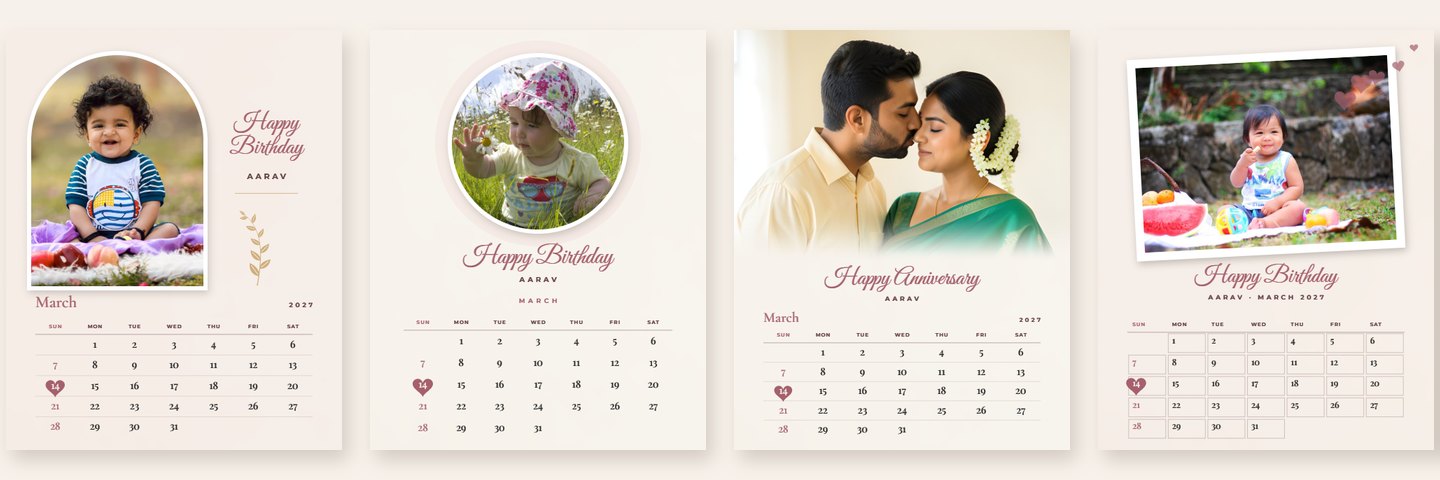 Birthday Calendar Photo Frame1 page · 8×10 in (4:5) · JPG, PDF and PSD
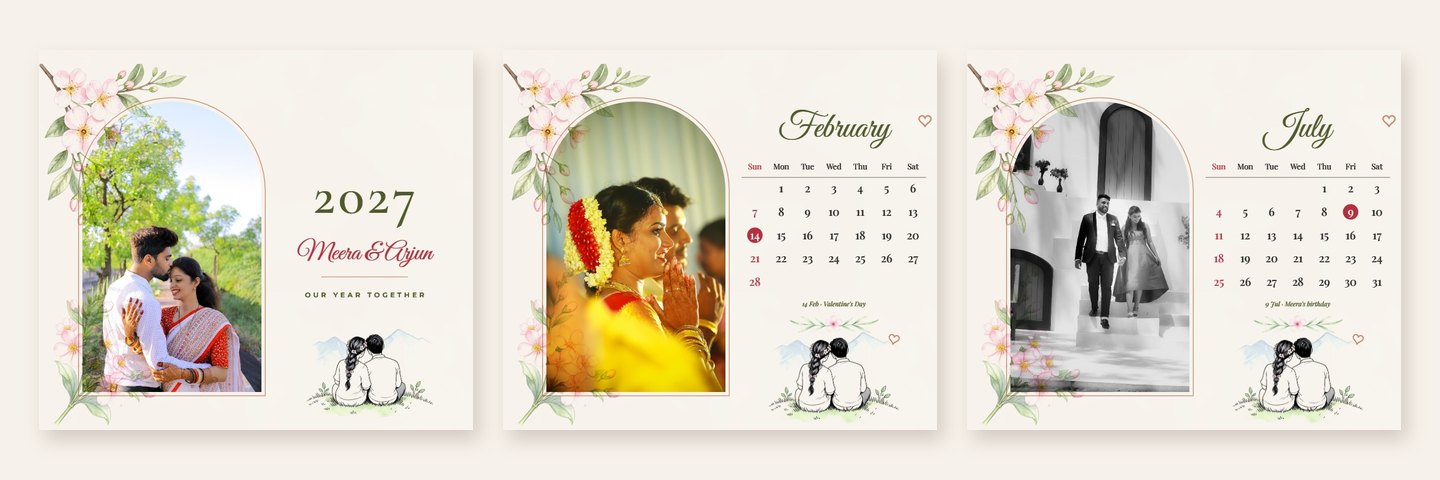 Personalised Desk Calendar13 pages · 8×7 in · PSD, JPG and PDF
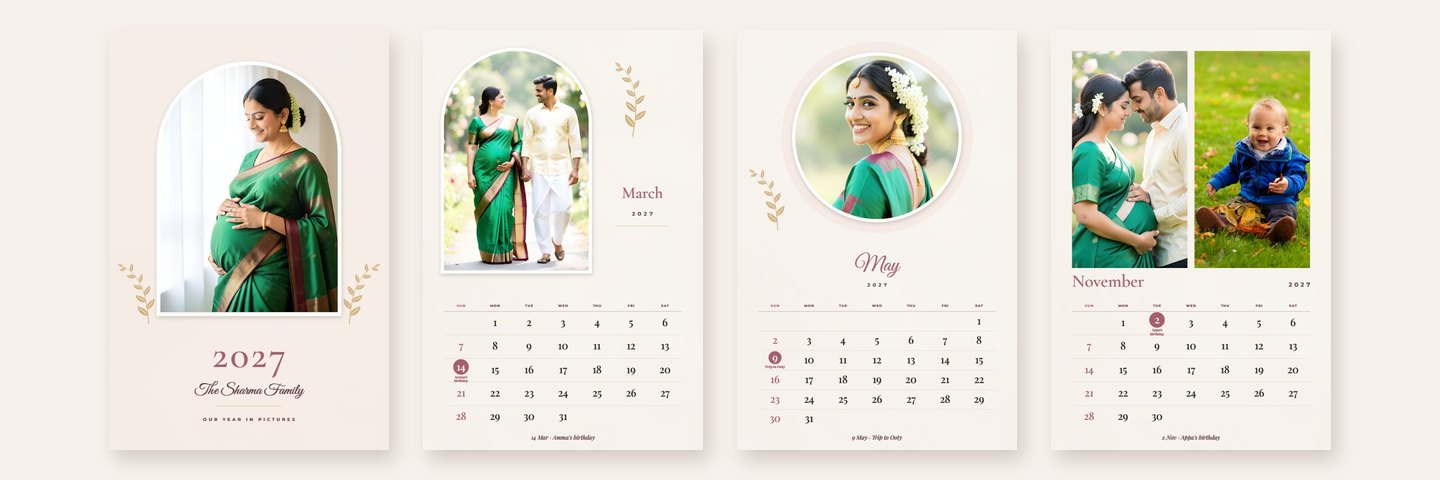 Personalised Photo Calendar13 pages · 12×18 in · PSD, JPG and PDF
Which calendar to choose
Birthday Calendar Photo Frame
Make a birthday or anniversary calendar photo frame: your photo, a greeting and the month with the date marked by a heart. Download a 300 DPI JPG or PSD.
Personalised Desk Calendar
Make a custom desk calendar with your photos: 12 months, watercolour blossoms, an arched photo each month and your special dates marked. 300 DPI JPG, PDF or PSD.
Personalised Photo Calendar
Make a personalised 12-month photo calendar with your own photos and special dates marked on their days. Start any month. Download 300 DPI PSD, JPG or PDF.
How to make your calendar
- Pick a calendar above and open it in the editor.
- Choose the year and the month it starts with.
- Drop a photo into each month and move or zoom it.
- Add your special dates; they are marked on their days.
- Download the print pages and PSD files and take them to a print shop.
Questions
Can I mark our own special dates?
Yes. Add birthdays, anniversaries and other family dates; each one is marked on its day on that month’s page.
Which month does the calendar start with?
Any month you pick. The wall and desk calendars run 12 months from there, so a calendar made in November can start in January or right away in December.
What do I download?
Print-ready 300 DPI JPG pages and layered PSD files for the print shop: 12 × 18 in for the wall calendar, 8 × 7 in for the desk calendar and 8 × 10 in for the photo frame.
Are my photos uploaded?
No. The calendar is designed and exported on your own device, so your photos stay in your browser.